Overcoming the Catalog Bottleneck in Create-a-Sim
Weerbesu's "More Columns in CAS" stands as one of the most universally essential quality-of-life mods ever created for The Sims 4 community. By default, the game restricts the Create-a-Sim catalog panel to a narrow two-column display. As players accumulate dozens of official expansion packs, stuff packs, kits, and thousands of custom content files, navigating clothing categories becomes an exhausting exercise in endless vertical scrolling.
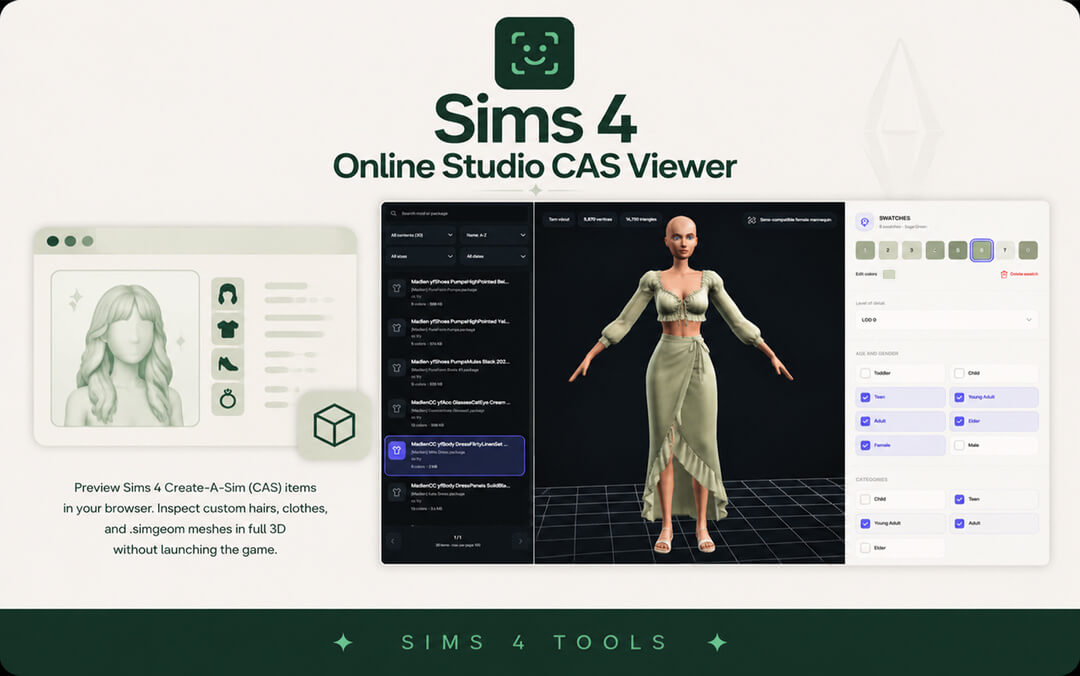
More Columns in CAS completely overhauls the interface layout, expanding the clothing and accessory selection grid across multiple columns so players can view dozens of hair swatches, outfits, and accessories simultaneously without endless mouse wheel fatigue.
Choosing the Optimal Column Configuration for Your Screen
The mod provides three distinct download variants tailored to different monitor resolutions and UI scale settings:
- 3 Columns Version: Specifically designed for smaller laptop displays and lower resolutions like 1366x768. It widens the catalog comfortably without clipping into your Sim's 3D model viewport.
- 4 Columns Version: The universally recommended sweet spot for standard 1920x1080 Full HD monitors. It offers expansive visibility while preserving ample room for your Sim to pose on the right side of the screen.
- 5 Columns Version: Ideal for high-resolution displays such as 1440p Quad HD and 4K ultrawide monitors. It turns CAS into an expansive digital boutique, showing massive swathes of CC and packs in a single glance.
UI Scaling Settings and Resolving Screen Clipping Issues
If you install the 4-column or 5-column version on a smaller monitor, the catalog grid may overlap your Sim or extend beyond screen boundaries. To fix this, navigate to Game Options, select the Accessibility tab, and adjust the UI Scale slider. Lowering the UI scale slightly shrinks interface elements, allowing wider column layouts to fit comfortably on medium-sized screens without obscuring your character model.
Testing different scale settings inside the accessibility menu ensures you achieve a flawless balance between readable font size and expansive catalog visibility across all household makeover sessions.
Installation Best Practices and Folder Organization
Installing More Columns in CAS requires downloading the single package file corresponding to your chosen column count and placing it directly into your Sims 4 Mods directory (Documents\Electronic Arts\The Sims 4\Mods). Players must only install one column version at a time; mixing multiple versions causes graphical UI glitches.
I recommend keeping UI mods in a dedicated top-level folder inside your Mods directory, such as Mods\UI_Mods, to locate them quickly whenever EA releases game updates. After installation, verify that custom content and script mods are enabled in your game options menu.
Patch Maintenance, Updating Protocols, and localthumbcache Management
Because More Columns in CAS modifies core game interface code, major EA base game patches frequently break the mod, causing flickering UI menus, missing thumbnail panels, or broken category buttons. Whenever EA issues a major game update, players should visit Weerbesu's Patreon page to grab the updated version.
Always delete your localthumbcache.package file in your Sims 4 user folder after replacing the mod file. Deleting this cache forces the game to rebuild fresh interface assets and thumbnail sheets, preventing residual graphical glitches and interface freezes.
Managing Custom Content Categories and Thumbnail Loading
When running a wide four-column or five-column CAS view alongside extensive custom content libraries, catalog performance becomes crucial. High-resolution thumbnail previews can cause brief micro-stutters if hundreds of package files load simultaneously. Organizing your custom content into subfolders categorized by clothing type or creator name streamlines game loading times significantly.
Pairing this mod with thumbnail cache cleaners ensures smooth catalog scrolling even during intense makeover sessions where you style entire townie neighborhoods.
Optimizing Performance for Massive Custom Content Folders
For players running thousands of custom hairstyles, clothing pieces, and skin details, More Columns in CAS helps you spot broken textures and duplicate items instantly. Instead of paging through dozens of screens, you can rapidly scan entire creator collections in seconds. Keeping your Mods folder tidy by running mod conflict detectors ensures swift thumbnail rendering and lag-free styling sessions.
The massive amount of time saved by viewing dozens of clothing swatches simultaneously allows you to focus entirely on your creative vision, making character styling an effortless pleasure rather than a cumbersome, exhausting chore.
A Must-Have Foundation for Every Custom Content User
Once you experience Create-a-Sim with expanded columns, returning to the cramped two-column default interface feels nearly impossible. Weerbesu's mod provides an elegant, robust solution that respects your time and screen space, making character customization as enjoyable and intuitive as it was always meant to be.
With smoother browsing and complete catalog transparency, creating stunning characters and exploring new fashion aesthetics becomes a quick, seamless adventure that lets your styling creativity shine without unnecessary technical hurdles.