Core Features and Package Inspection Capabilities
The Online Package Editor provides comprehensive file management features modeled after desktop modding software.
Complete Internal Resource Tree Navigation
Upon loading a package, the tool displays an organized tree view of all embedded binary resources, including XML tuning instances, String Tables (STBL), image textures (RLE/DDS), 3D meshes (GEOM), and property lists. You can easily click through individual resources to inspect raw binary data, preview images, and view readable XML code.
Direct In-Browser XML Tuning Editing
For gameplay modders, the editor includes a built-in code editor with syntax highlighting for XML tuning files. You can modify interaction tunings, adjust trait buffs, and edit commodity values directly inside the browser, with real-time error checking that flags syntax mistakes before compilation.
Resource Extraction and Import
The editor allows you to extract individual resources—such as extracting a PNG texture map or an isolated STBL file—for external editing, and then import the updated files back into the package. You can also delete redundant resources to optimize package file sizes.
Practical Benefits for Players and Creators
The flexibility of a web-based package editor provides substantial utility across multiple scenarios.
Cross-Platform Modding on Mac and Laptops
Mac users often face limited access to native Sims 4 modding tools. Because this editor runs entirely in the browser, Mac and Chromebook users can inspect and edit package files with the exact same functionality as Windows desktop users.
Rapid Emergency Troubleshooting
When a game patch breaks a popular tuning mod while you are away from your main gaming computer, you can use the web editor to open the package, fix the broken tuning line, recompile the package, and share the fix with friends in minutes.
Privacy and Web Performance
The editor operates locally within browser memory, ensuring your unpublished custom content remains completely private while delivering instant file processing and downloads.
Streamlining Mod Folder Management and Troubleshooting
Maintaining a large custom content collection in The Sims 4 can quickly become a complex logistical challenge. Between game patch updates, broken packages, conflicting tuning scripts, and corrupted cache files, players spend substantial time managing external files rather than actually enjoying the game.
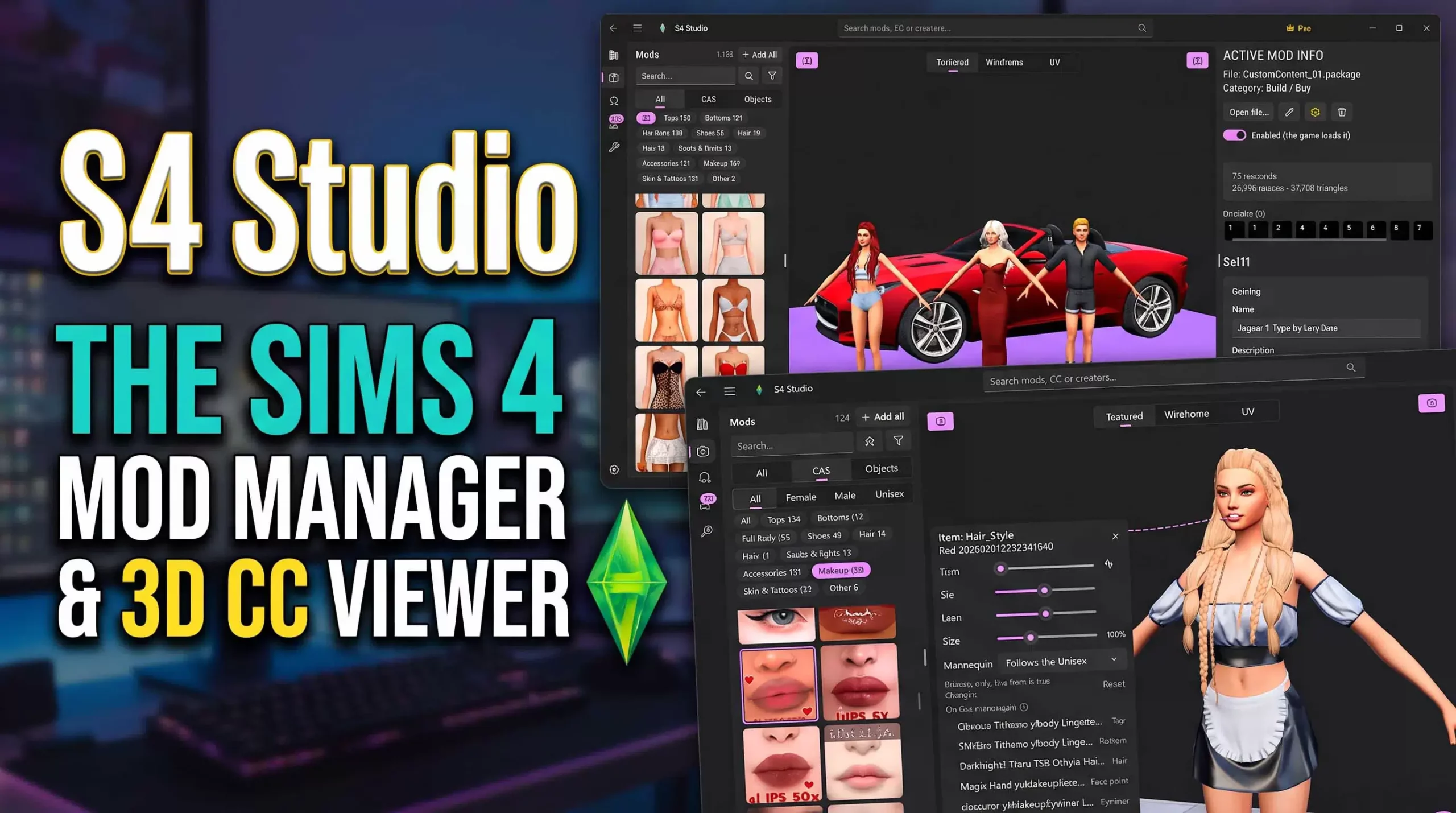
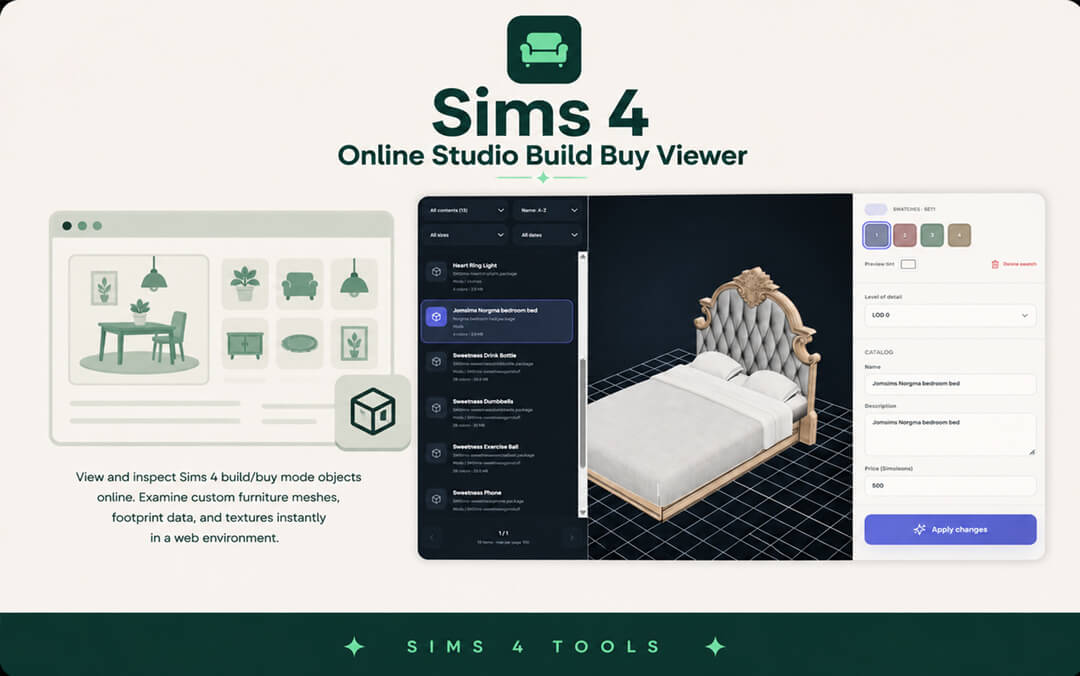
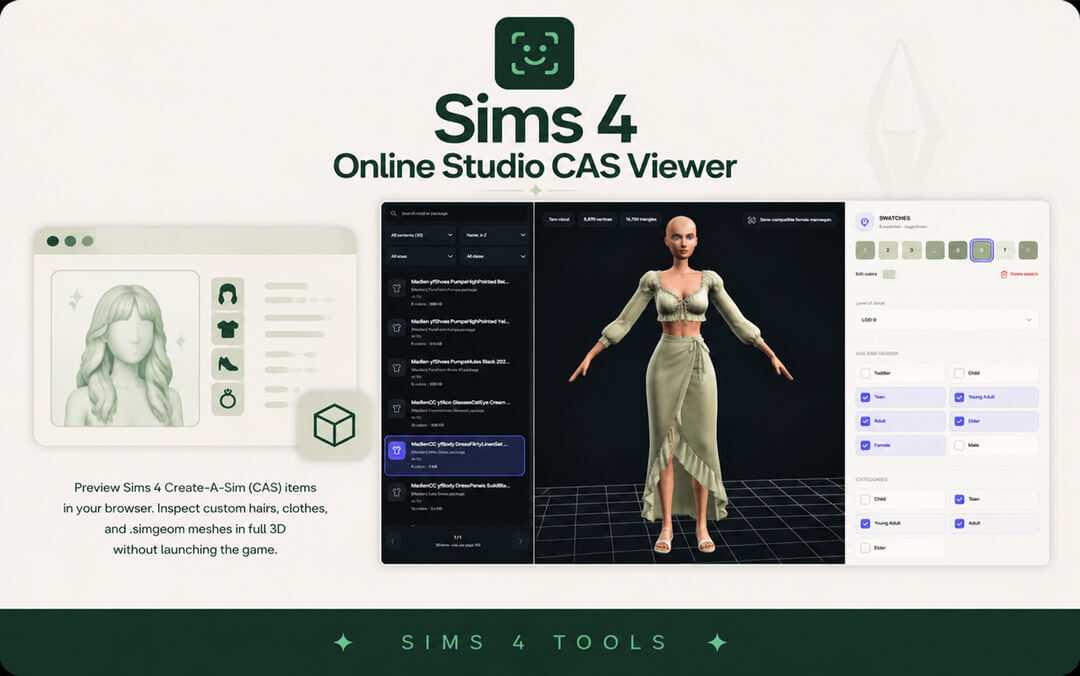
Having dedicated tools designed to inspect, edit, and organize package files without launching the heavy game client saves countless hours of troubleshooting. Instead of enduring ten-minute loading screens just to identify a single broken clothing item or glitched chair, players can inspect package contents, preview 3D geometry, and verify texture maps directly in a lightweight external environment.
This efficiency transforms the modding experience from a stressful maintenance chore into a smooth, organized workflow, allowing players to curate their digital worlds with confidence and stability.
Empowering Creators and Translators in the Modding Community
Beyond personal mod folder organization, accessible tools play a pivotal role in empowering community creators, translators, and aspiring modders. Lowering the technical barrier to entry encourages more players to contribute custom content, localized translations, and gameplay enhancements.
When localization tools allow fast string editing and package reorganization without requiring complex programming environments, modders worldwide can collaborate easily to translate popular mods into multiple languages. This fosters a more inclusive, connected global Sims community where players can experience storytelling in their native language.
Whether you are an active creator polishing your latest CC release or a dedicated player translating your favorite gameplay overhaul for friends, streamlined utility tools form the backbone of modern Sims 4 customization.
Safe Modding Practices and Update Workflows
Every major game patch brings the possibility of outdated mods causing script errors or UI glitches. Having structured external tools simplifies the process of testing packages before placing them back into active save files.
By inspecting package resource IDs, tuning instances, and conflict logs externally, players can isolate broken content quickly without risking save file corruption. Establishing regular maintenance routines with reliable tools protects your gameplay progress and keeps your custom content collection healthy over years of play.
Cross-Platform Accessibility and Performance Benefits
A persistent obstacle for custom content enthusiasts has been operating system limitations. Traditional desktop utilities often required Windows operating systems with specific framework dependencies, leaving macOS, Linux, and mobile web users with few native options for mod auditing.
Browser-based modding utilities eliminate these operating system barriers. By leveraging web standard technologies, players can inspect packages, audit thumbnails, and organize content from any modern laptop or desktop setup. This universal accessibility empowers a much wider slice of the global player base to curate clean, stable custom content collections without wrestling with complex system installations.
Building Sustainable and Organized Mod Collections
Long-term enjoyment of modded gameplay relies heavily on keeping file hierarchies clean and organized. Over years of playing across multiple expansions, duplicate assets, conflicting overrides, and broken tuning files can accumulate unnoticed.
Utilizing dedicated web tools to audit package names, verify internal resource types, and inspect thumbnail assets before moving files into active Mods directories prevents clutter at the source. Players can establish structured subfolder hierarchies—such as categorizing by creator, content type, or gameplay pack—ensuring that patch day maintenance takes only minutes rather than hours of stressful file hunting.