Managing UI Cheats Across Major Game Updates
Every major Sims 4 patch has a habit of scrambling interface components, and UI Cheats Extension sits right in the firing line because it alters how the native menus process input. When EA pushes a patch, particularly one that touches the phone interface, social menus, or inventory trays, the mod will usually cause visual glitches until Weerbesu releases an update. I always pull the ts4script file temporarily if my UI starts glitching into empty grey rectangles or if clicking on time speeds stops responding.
Keeping the files organized makes routine troubleshooting much easier. Place the package and ts4script files directly into your primary Mods folder or inside a single dedicated subfolder named something simple like Mods/UI_Cheats. Leaving them buried several directories down prevents the Python engine from registering the script, which is why players often see right-click menus failing while standard package items still load.
Fine-Tuning Daily Household Routine With Direct Clicks
My favorite practical use for the mod involves clearing out stubborn stuck moodlets that derail a storytelling save. Sometimes a Sim gets trapped in an uncomfortable state due to an invisible puddle or a bugged environmental buff that persists for hours after moving to another room. Right-clicking that specific icon in the bottom-left hud clears it immediately without needing to open the developer console or remember string identifiers.
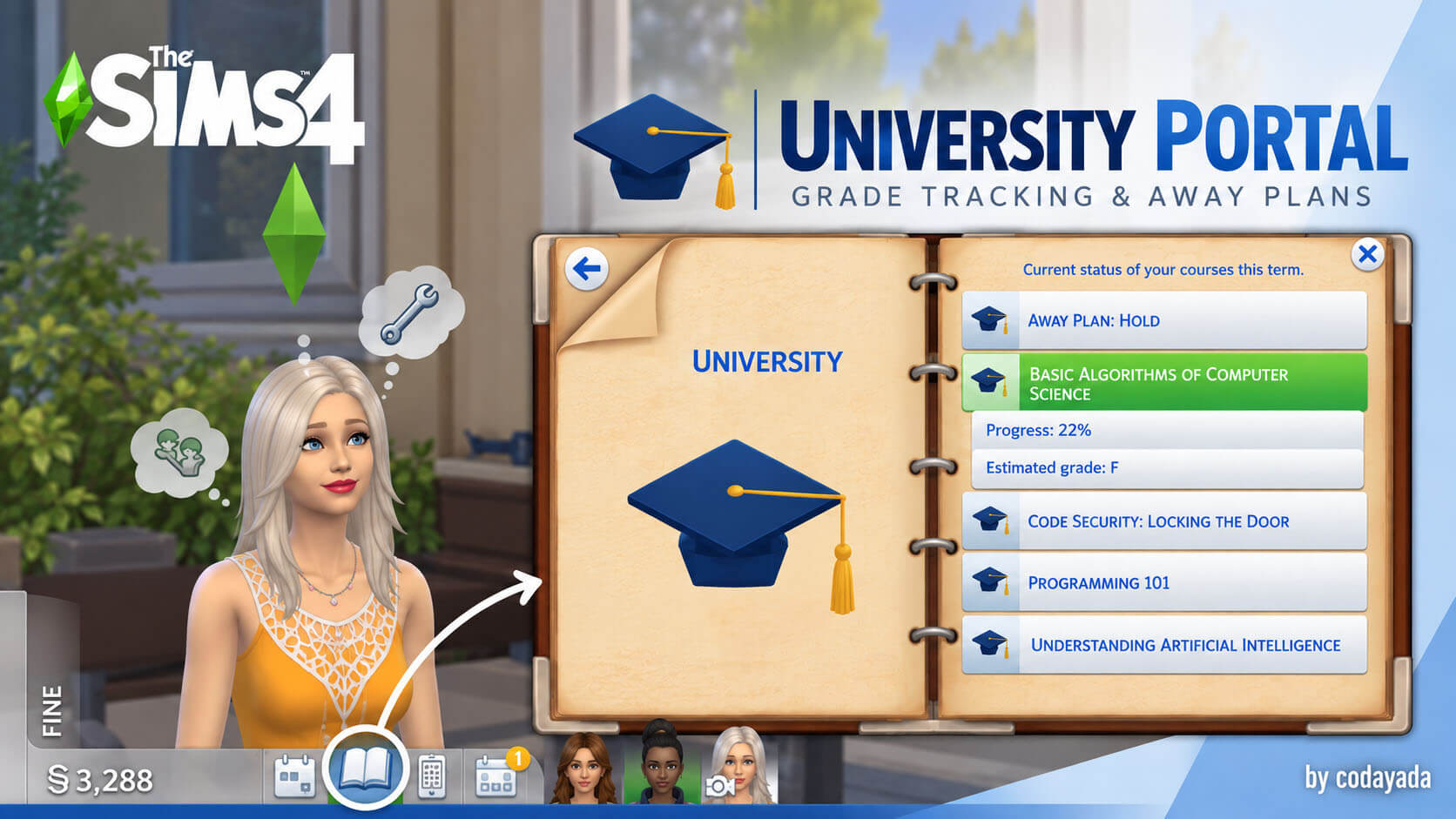
Managing large families or active college students also becomes far more relaxed. When my university Sim is running ten minutes late for a final presentation, right-clicking their energy and hygiene meters brings them back to full without burning half their morning on showering and making coffee. You can also dial numbers precisely: typing 65 into a skill bar rather than jumping straight to level 10 lets you simulate realistic progress when creating fresh background Sims for a custom save file.
Resolving Common Load and Click Failures
If you launch your game and find that clicking does nothing at all, double-check your game options screen under the Other tab. Both Enable Custom Content and Script Mods Allowed must remain checked. Every base game update automatically turns these settings off, which catches many players off guard. Avoid renaming the script file inside your folder, as the internal references rely on matching bundle names to hook correctly into the user interface.
Curating Household Milestone Progress Accurately
Fulfilling aspiration milestones on demanding goals like Friend of the World or Fabulously Wealthy can occasionally glitch, failing to register tasks you clearly completed. With a quick right-click on the unfulfilled checkbox in the aspirations tab, the game marks it accomplished and awards the satisfaction points. It saves hours of frustration when an in-game party or wedding goal fails to acknowledge your gold rating due to standard simulation lag.